XSL AI Academy
Build Your Real Estate AI Agent
Create business-context file and Claude Project rules, then draft listing copy, social captions, lead replies, reactivation and price-reduction email.
Real estate trainingCompare details →
A FOCUSED LEARNING GUIDE
A live or assisted build can let you shape a tool around a task; recorded lessons make it easier to watch on your own schedule. Compare the learner's role and the output each route promises.
Compare the selected options ↓The offers include assisted builds through XSL or BrokerOps and a free recorded curriculum from Real Estate AI Society. A recording can show steps and templates, but does not establish personal feedback or reviewed submissions. For a build, confirm what is created, which accounts are needed, and whether the result is retained.
Choose based on how much structure you need. If you can adapt a template, recorded material may suit you. If you need help specifying a useful tool, live guidance may clarify the task. Ask whether support includes troubleshooting afterward or ends when the session ends.
ILLUSTRATIVE EXAMPLE · FICTIONAL INPUTS
A fictional brokerage wants to summarize showing feedback and prepare a seller update from approved notes.
Write down the inputs and desired output. Compare watching a recording with building a small version under live guidance.
Use fictional feedback first. Ask who verifies the summary, where it is stored, and whether post-session support is included.
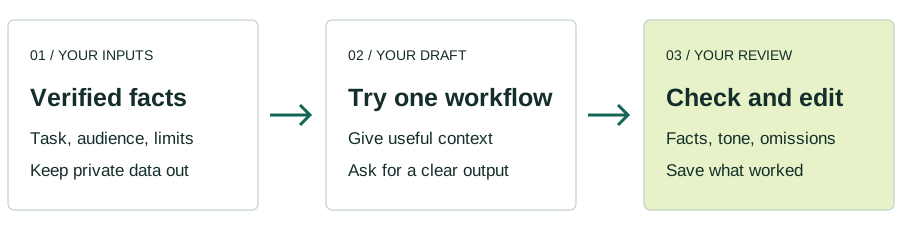
Compare the advertised learning details on each profile. Confirm price, dates and eligibility with the provider.
XSL AI Academy
Create business-context file and Claude Project rules, then draft listing copy, social captions, lead replies, reactivation and price-reduction email.
BrokerOps AI
Choose lead, listing, past-client or showing drain, then build a working tool with founder assistance.
Real Estate AI Society
Configure assistants, assemble listing and CMA assets, repurpose video, and draft CRM follow-ups and transaction or administrative routines.
Optional Google Analytics measures page visits. We remove search queries and URL fragments from Analytics. Your choice lasts 90 days.